



Lorem ipsum dolor sit amet, consectetur adipiscing elit. Vivamus ultrices ligula est, at mattis orci varius quis. Nullam non erat neque. Maecenas a ipsum a odio interdum lacinia.
1 STEP
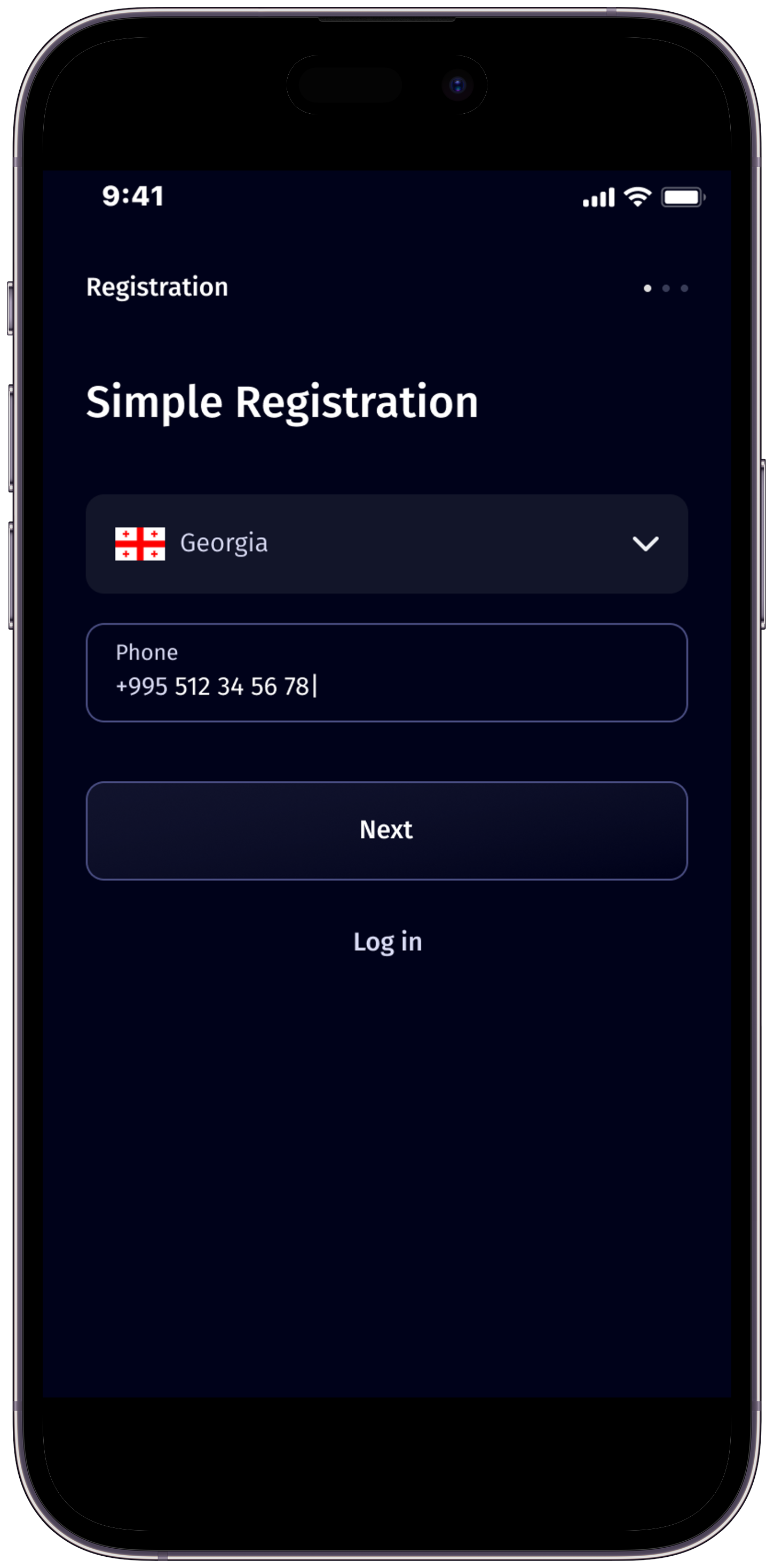
Enter Your Phone Number
Begin by entering your phone number. This acts as your unique identifier on Multipay. Your phone number will be used for important notifications and account recovery.
2 STEP
Fill in Personal Information
Provide your name, surname, and personal identification number. We ensure your information is secure and confidential.
3 STEP
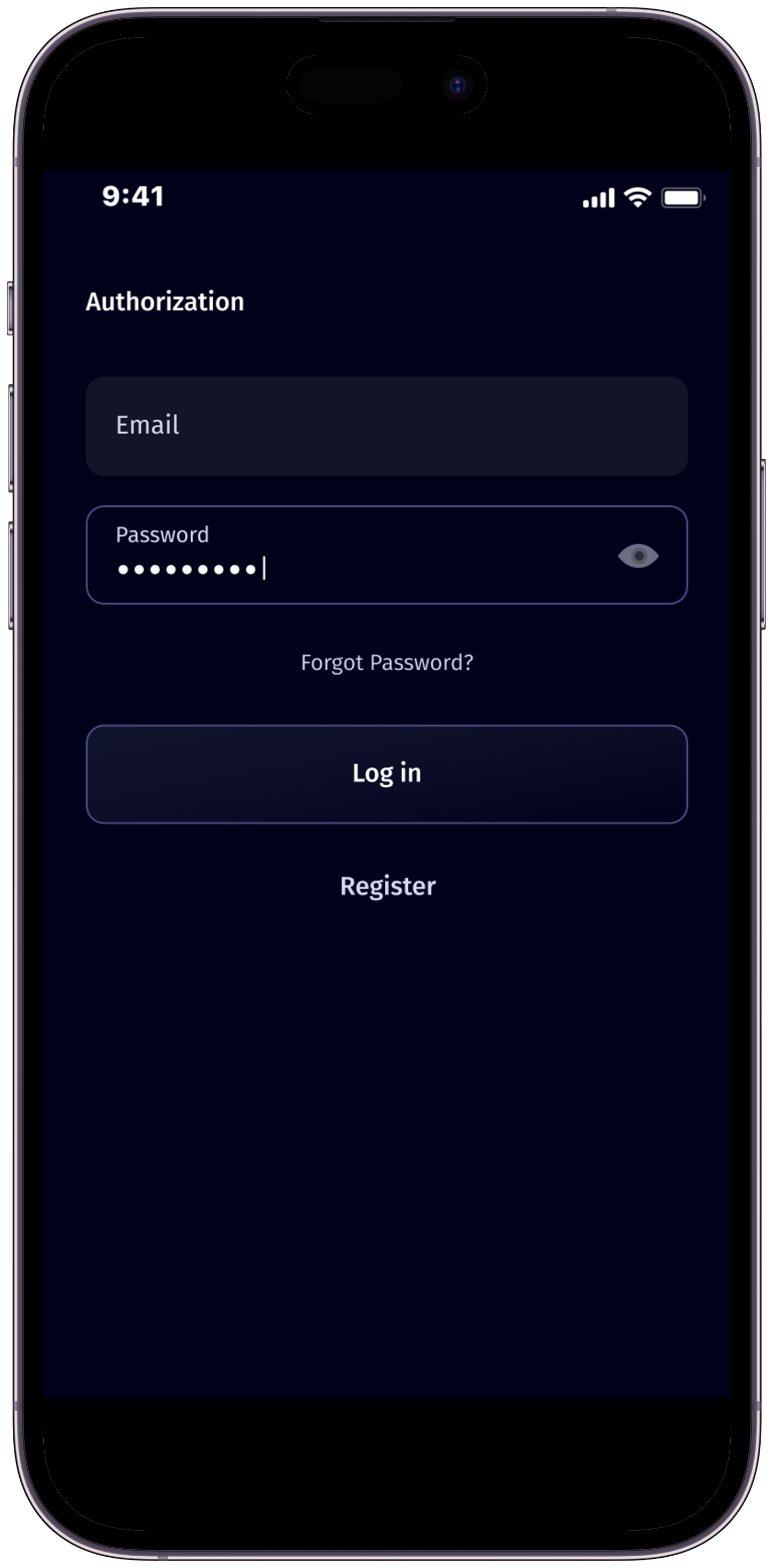
Create Your Login Credentials
Set up your account by choosing a valid email address and a strong, secure password.
4 STEP
Agree to Terms and Conditions
Carefully read our Terms and Conditions. Once you understand and accept them, check the box to confirm your agreement.
7 STEP
Become a full member of Multipay! Click on the ‘Finish’ button to complete the process.
Congratulations! You’re now a part of Multipay!
5 STEP
Complete Liveness Identification
As part of our stringent security measures, you will need to complete a liveness identification process. This involves capturing a photo of your official identification document, such as your ID card or passport. This step ensures the authenticity of your identity and enhances the security of your Multipay account.
6 STEP
Fill Out Know Your Customer (KYC) Information
To comply with regulatory requirements and ensure the safety of your financial transactions, we kindly ask you to provide additional information for our Know Your Customer (KYC) verification process. Fill out the KYC form with accurate details, including your address, occupation, and source of funds. This information helps us verify your identity and maintain a secure environment for all our users.
Multipay is a cutting-edge financial app that facilitates seamless money transfers and provides a secure platform for managing your financial transactions.
You can download the Multipay app from the App Store for iOS devices and Google Play Store for Android devices. Simply search for “Multipay” and follow the on-screen instructions to install the app on your device.
To register for Multipay, download the app and open it. You will need to provide your phone number,enter your name, surname, and personal identification number and finally set up your account by choosing a valid email address and a strong, secure password. After that, proceed to the “Identification” section, where you should take a photo of your ID card or passport . When you should fill KYC. Once the KYC process is successfully completed, your registration will be confirmed.
The Identification process in Multipay ensures the security and integrity of our platform. To complete this step, users are required to take a photo of their passport or ID card. Additionally, users will need to take a video selfie, starting with a neutral expression, then smiling, and ending with another neutral expression. This process helps us verify your identity effectively.
Yes, your security is our top priority. Multipay employs advanced encryption technologies to protect your personal information during the Identification process. Rest assured that your data is handled with the utmost care and confidentiality.
Completing the Identification process is mandatory for using Multipay. This step ensures the safety of your financial transactions and compliance with regulatory requirements. We appreciate your cooperation in completing this process to enjoy the full benefits of our app.
The verification process typically takes a few minutes to complete. However, in some cases, it might take slightly longer based on the volume of verifications. We appreciate your patience, and rest assured, we are working diligently to process your verification as quickly as possible.
If your verification fails, please double-check the information provided and ensure that the photos and video selfie are clear and match the required criteria. If you continue to experience issues, contact our customer support team through the mail- support@caspion.tech
KYC stands for Know Your Customer, a process used to verify the identity of the app users. It is a mandatory step to ensure the security and compliance of financial transactions. You will need to complete the KYC process by filling those graphs.
KYC process is part of registration. You will be able to pass it after successful verification.
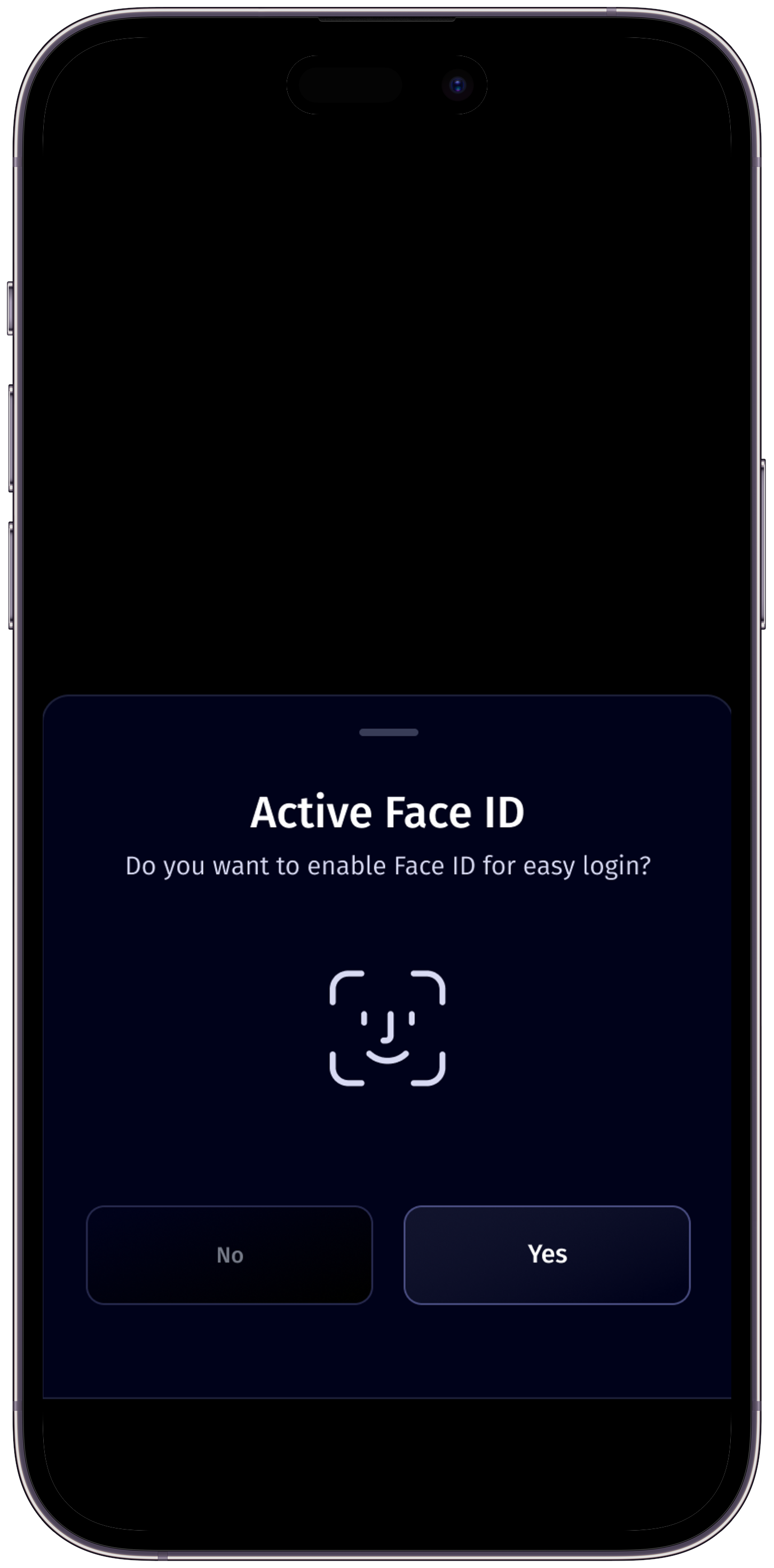
Yes, Multipay offers Face ID authentication for added security and convenience. You can enable Face ID from the app settings after completing the initial setup.
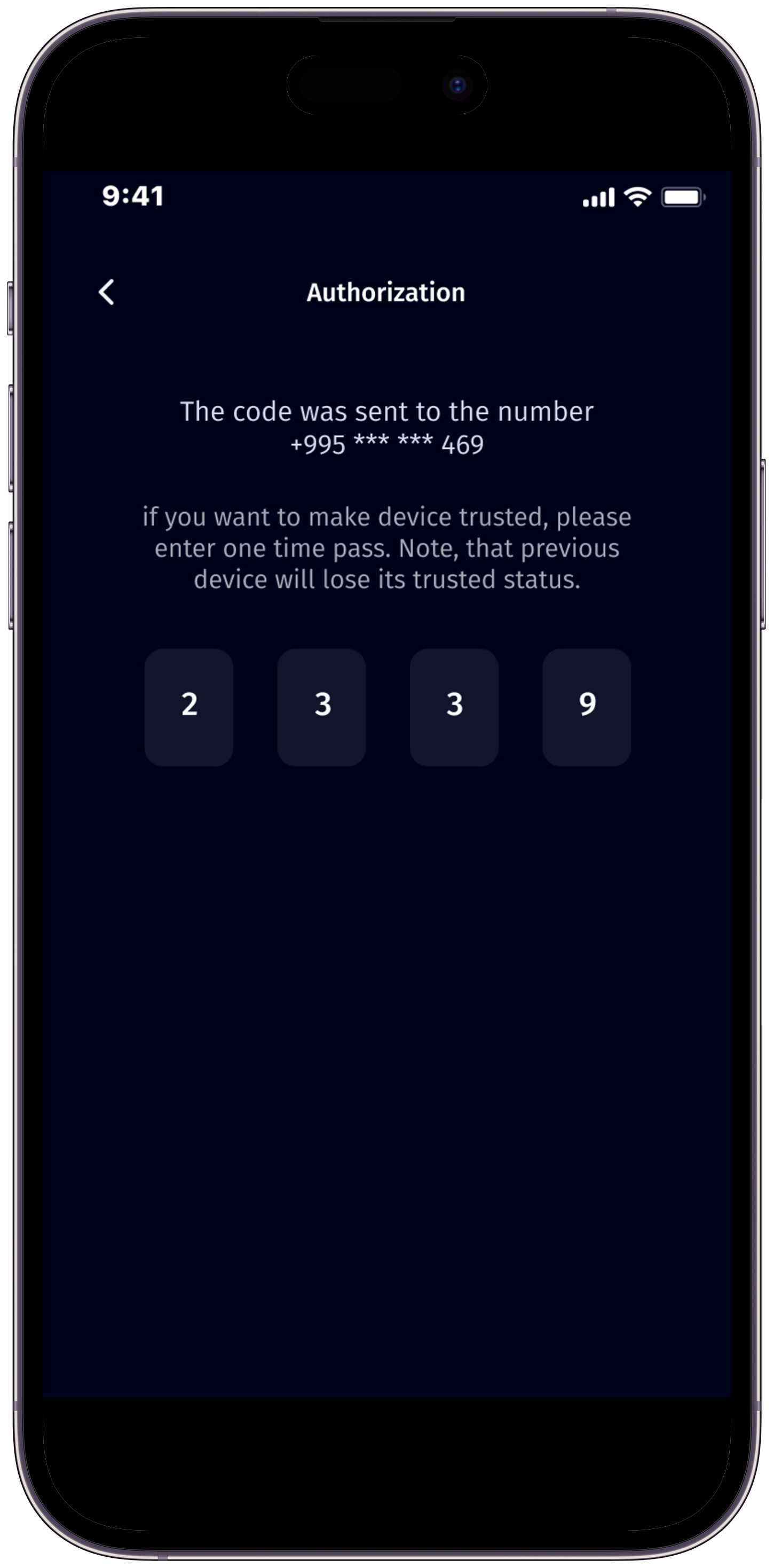
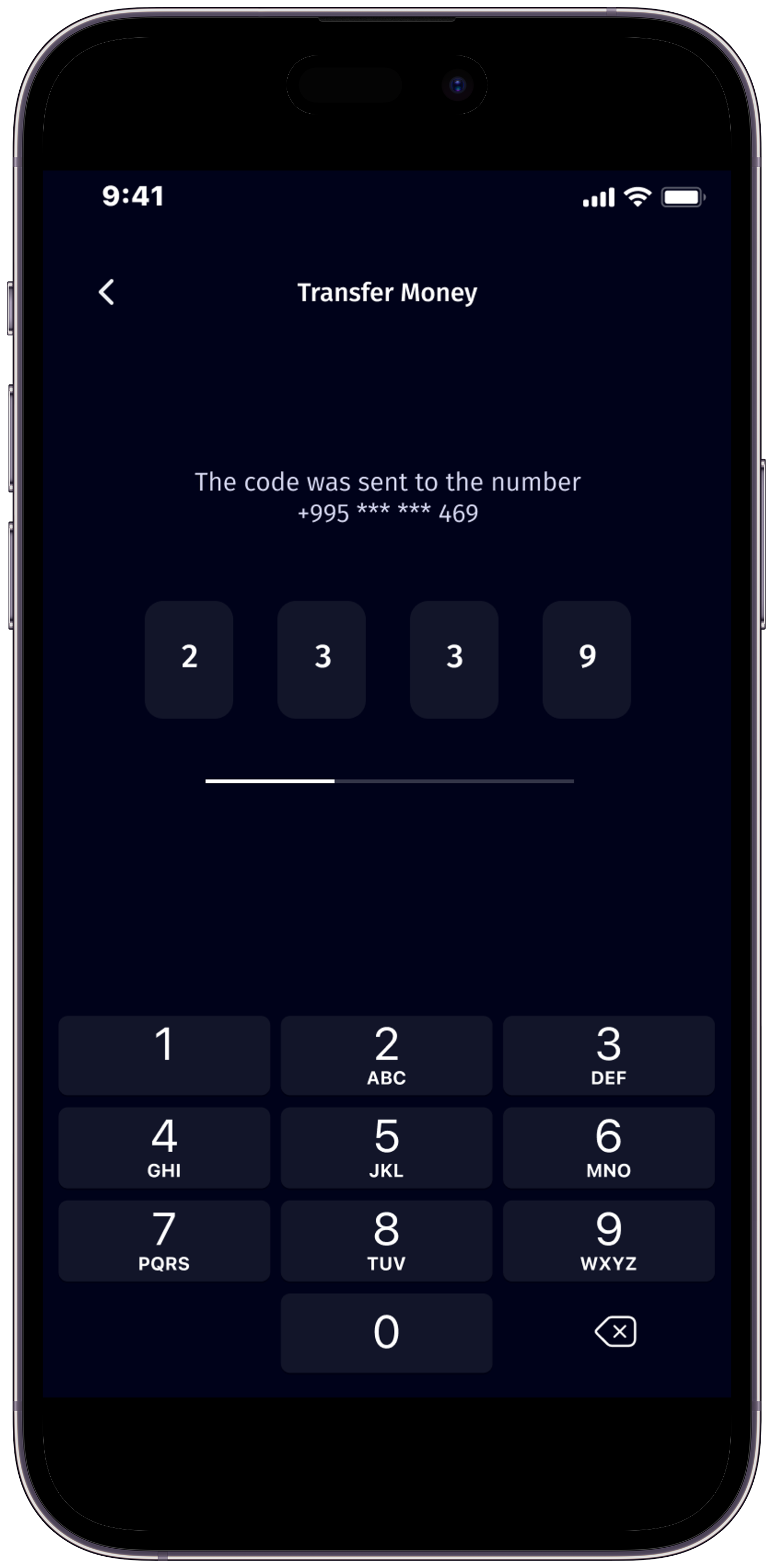
Multipay’s OTP Code Sender is a robust security feature designed to protect your financial activities. It generates One-Time Passwords (OTPs) for secure authentication during transactions. In case you don’t receive the OTP or if it expires, you have the convenience to resend the OTP directly from the app, guaranteeing a smooth and secure transaction experience.
In case of a lost or stolen phone, contact our support team immediately at support@caspion.tech. We’ll guide you through the necessary steps to secure your account and prevent unauthorized access.
For any changes related to your contact information, please reach out to us at support@caspion.tech. We’ll assist you in updating your details, ensuring the security of your Multipay account.
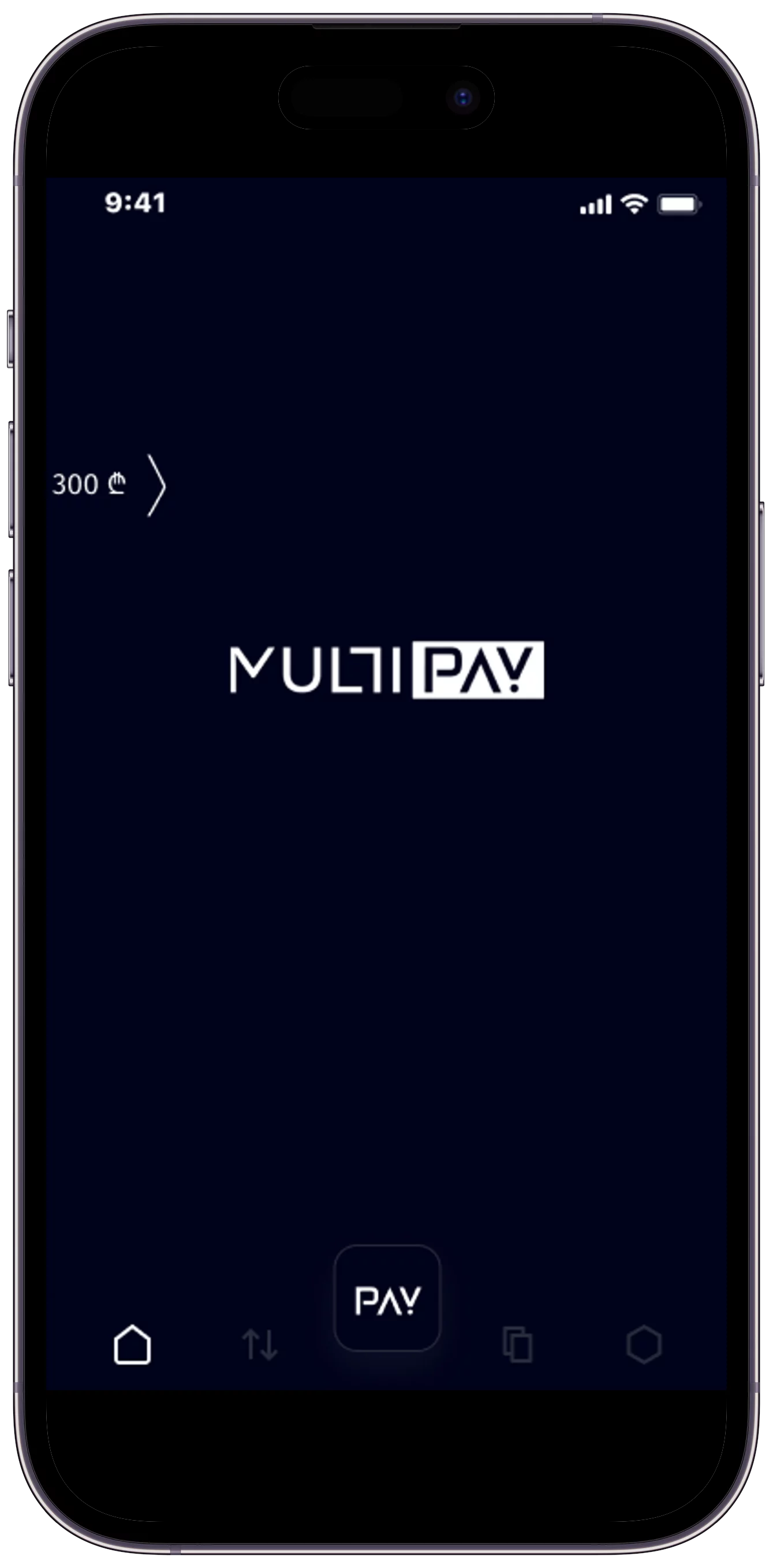
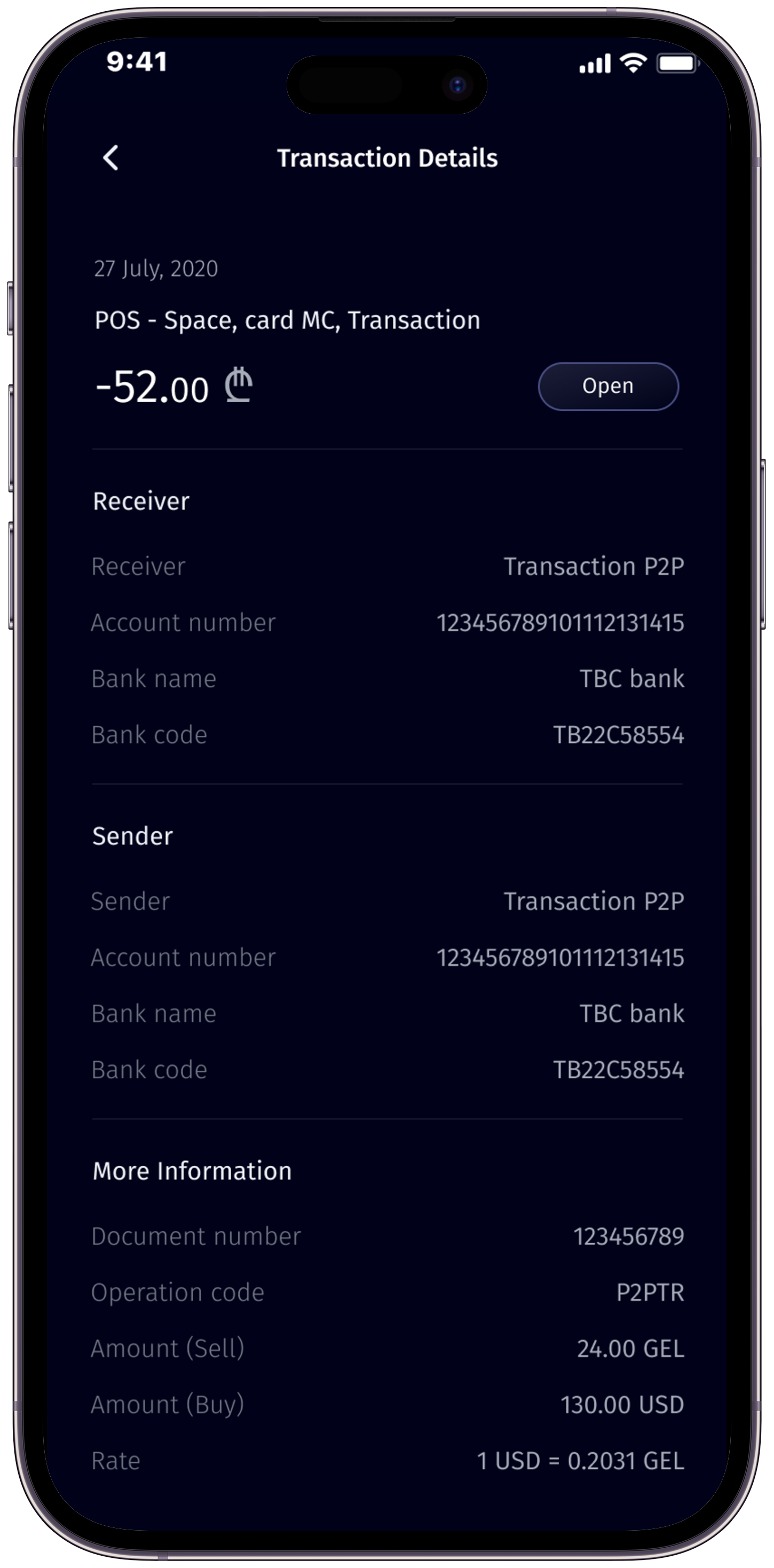
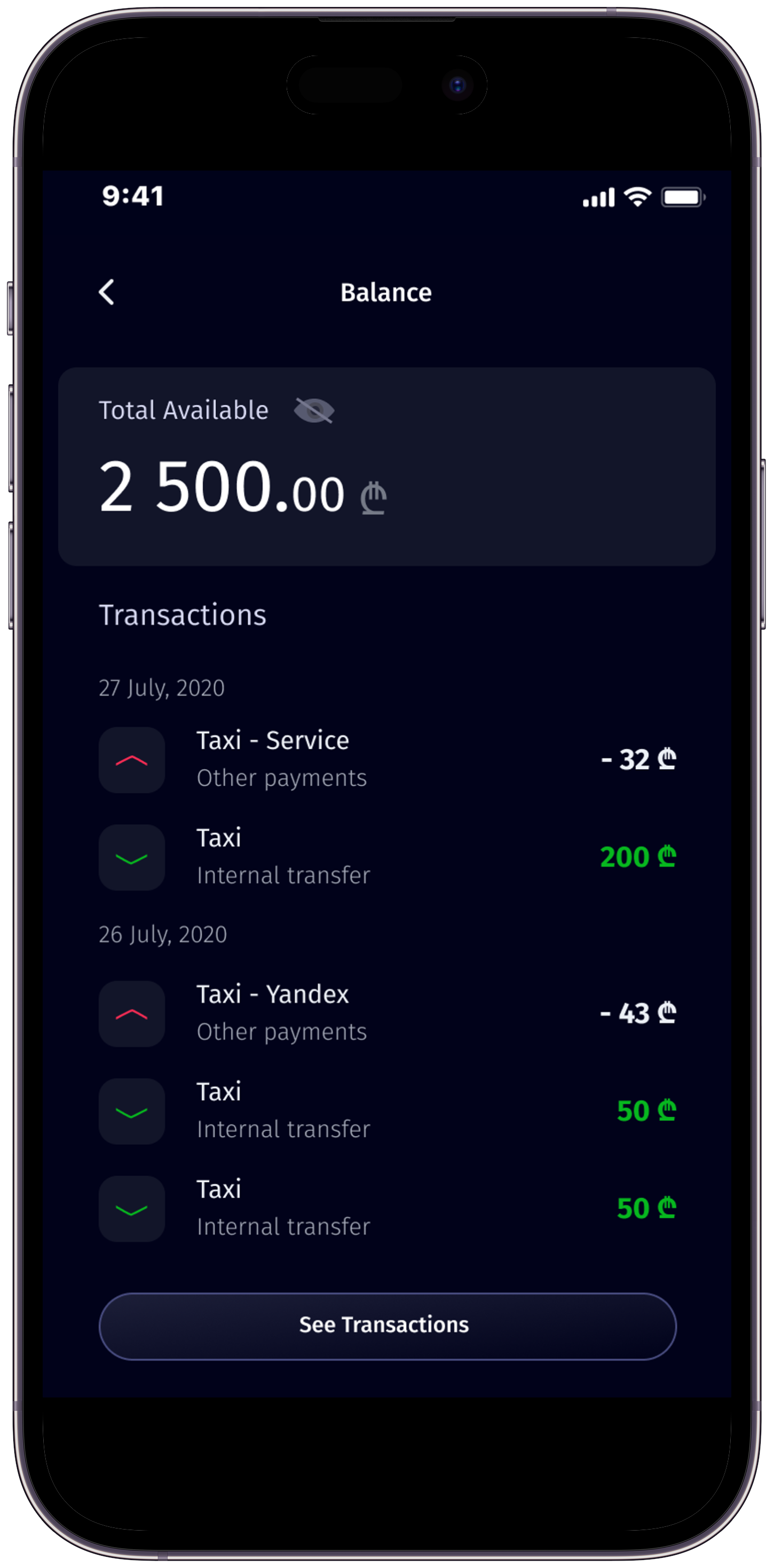
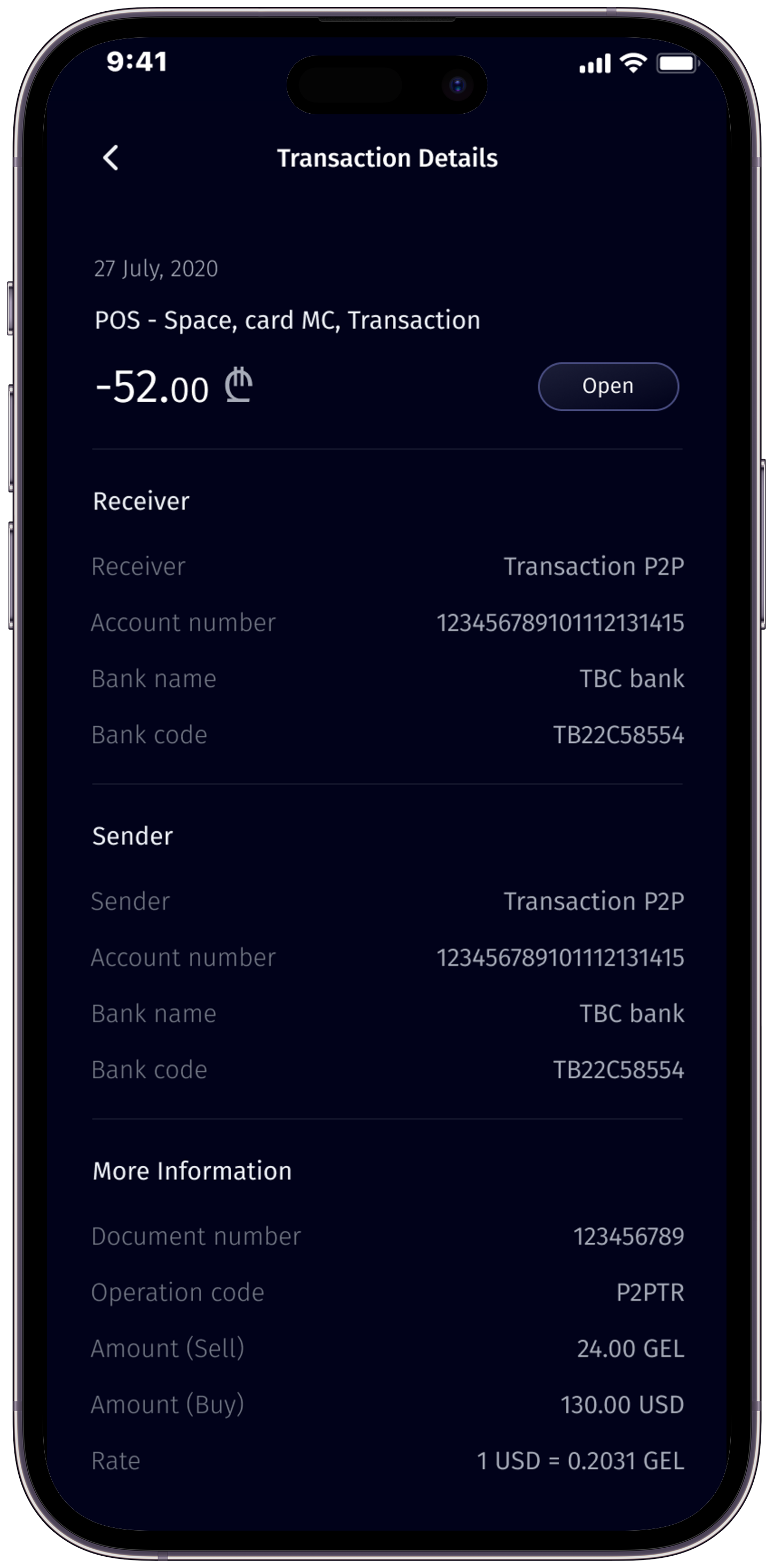
To view your account balance, look for the arrow icon located in the upper left corner of the app interface. By clicking on this arrow, you can access your account details, allowing you to check your balance and monitor your transactions conveniently.
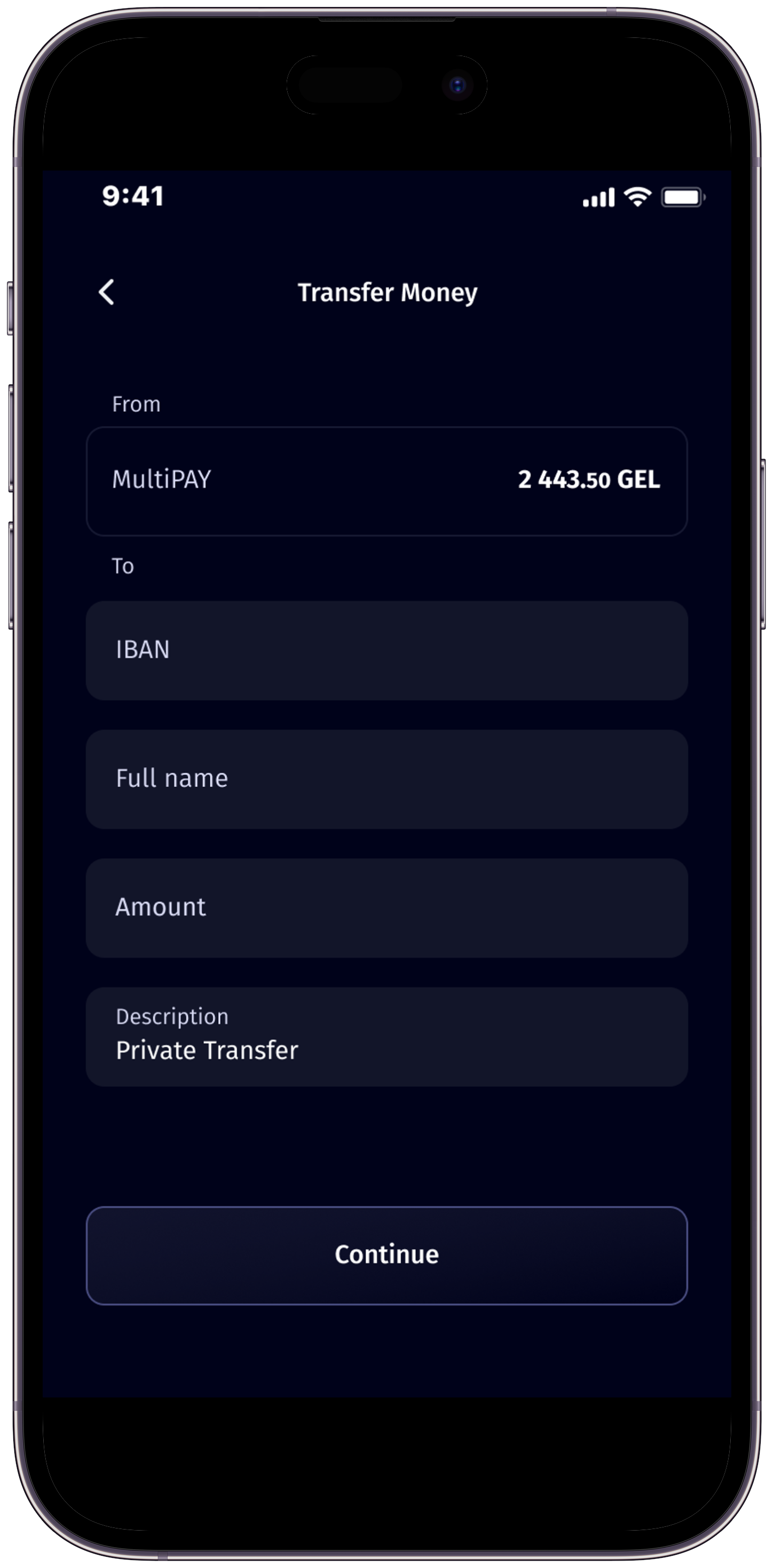
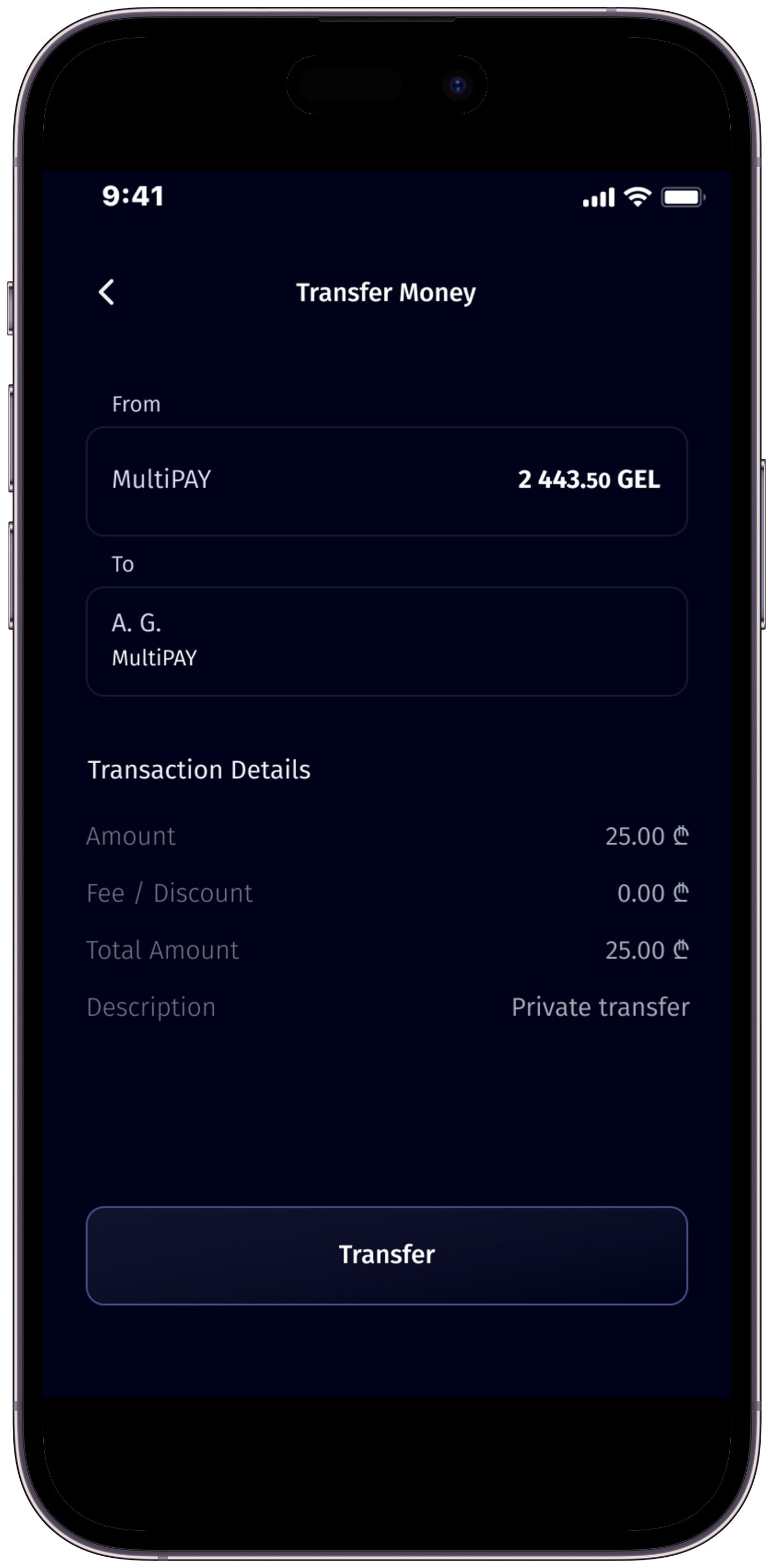
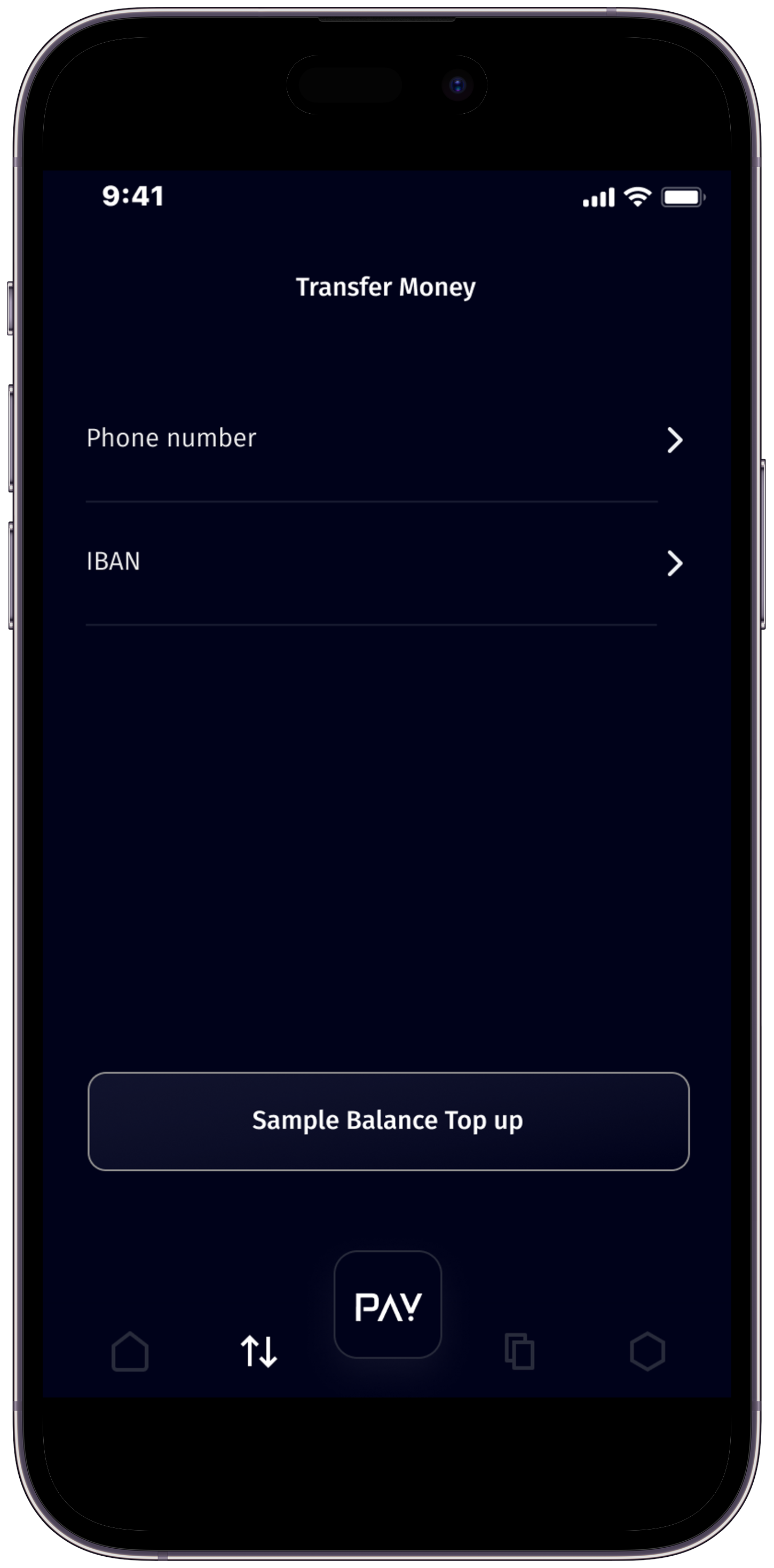
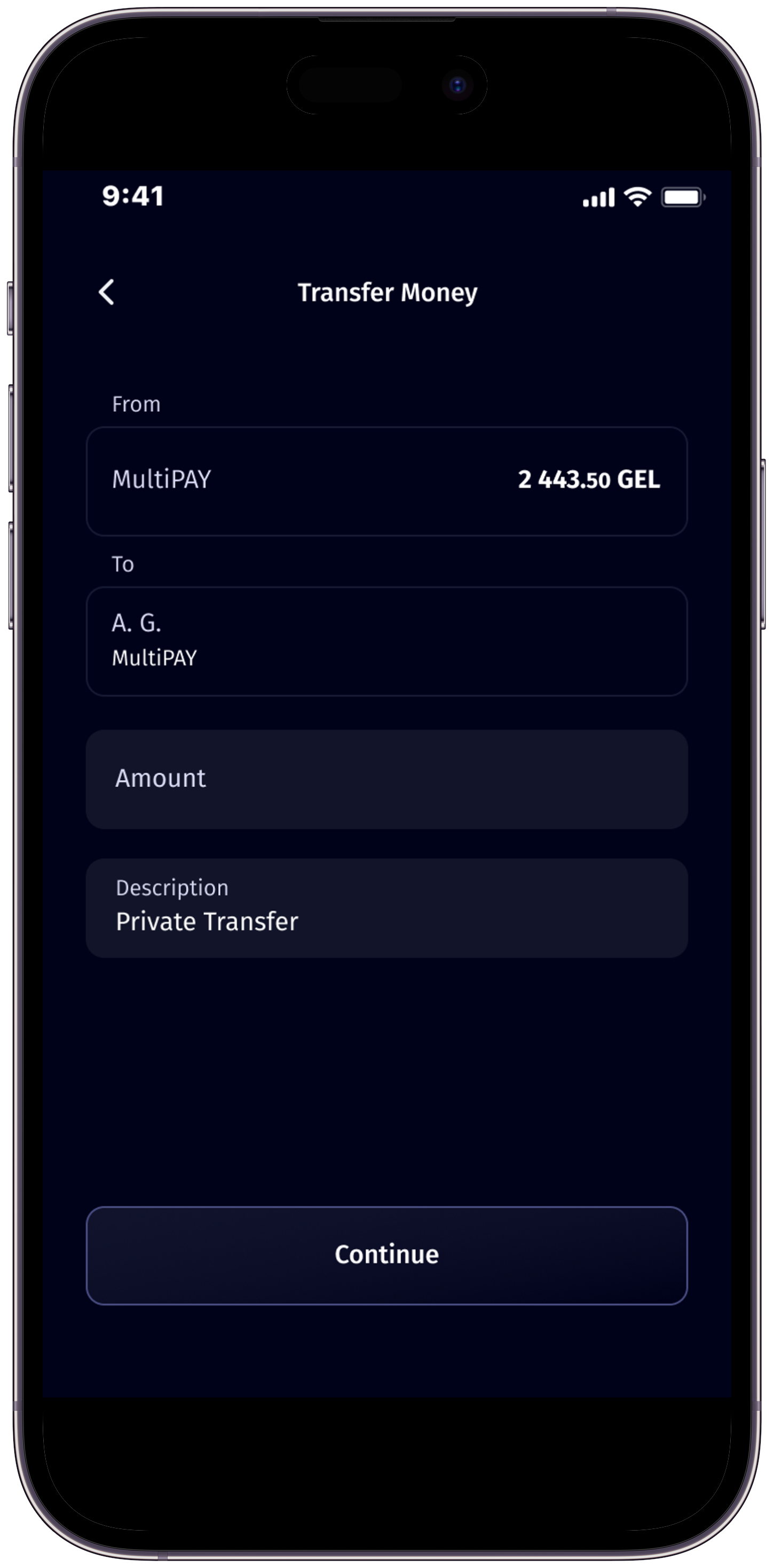
Transferring money with Multipay is easy and versatile. You can send money using both a recipient’s mobile number and account number. Simply select the appropriate option within the app and follow the prompts to complete your transaction securely.
The PAY button in Multipay serves a convenient shortcut. By pressing and holding the PAY button for 3 seconds, you are instantly directed to the money transfer screen, making transfers by mobile number quick and effortless.
In the Multipay application, you can conveniently see a sample of balance replenishment amounts. We support top up from major banks like TBC and BOG where you can find our IBAN details and easily copy it.
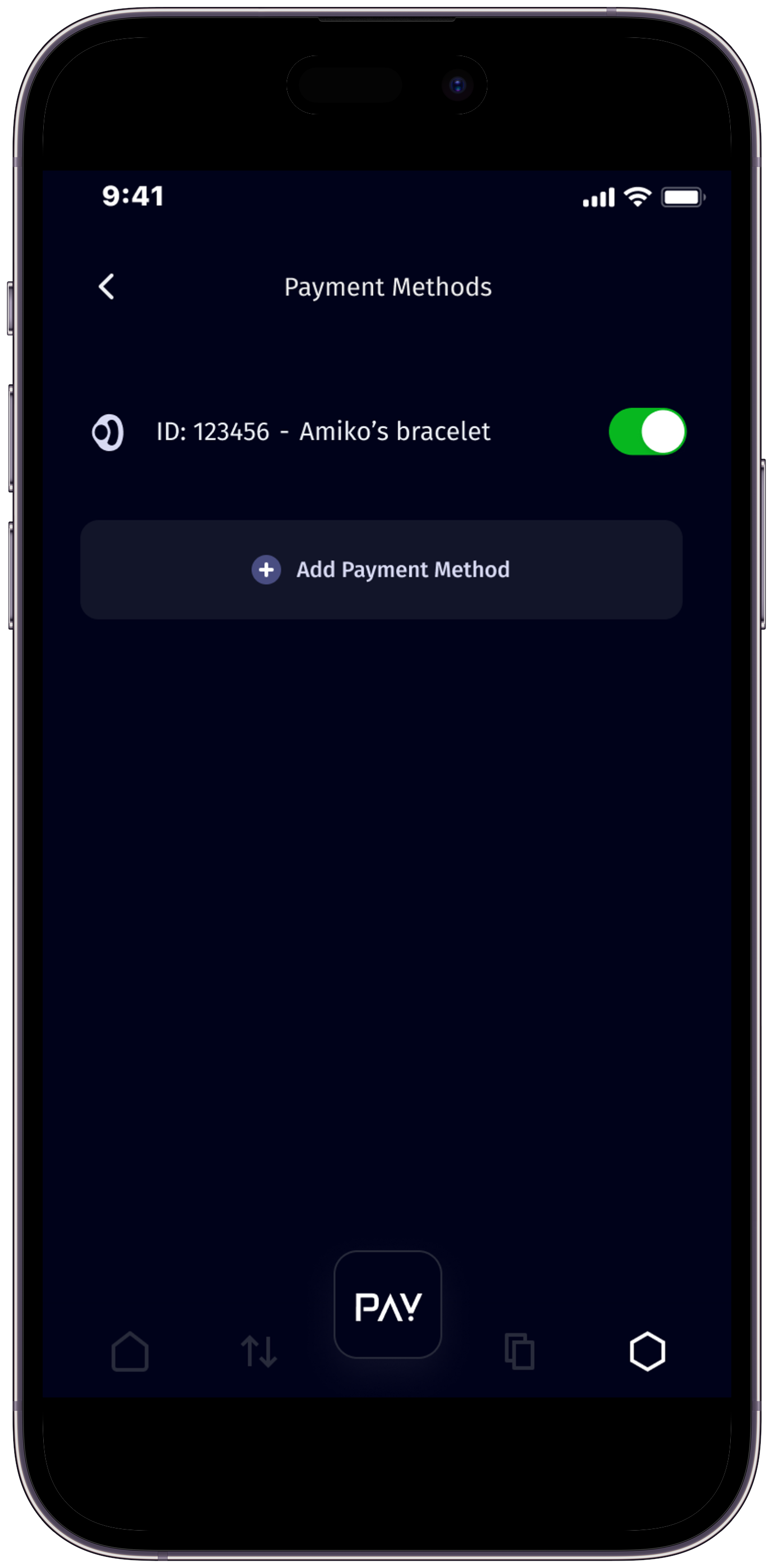
Yes, you can add multiple cards to your Multipay account. Simply go to the “Payment Methods” section in the app, select “Add New Device,” and follow the prompts to add your card securely.
No worries! Utilize our Password Recovery feature. Simply follow the prompts in the app to reset your password securely and regain access to your account.
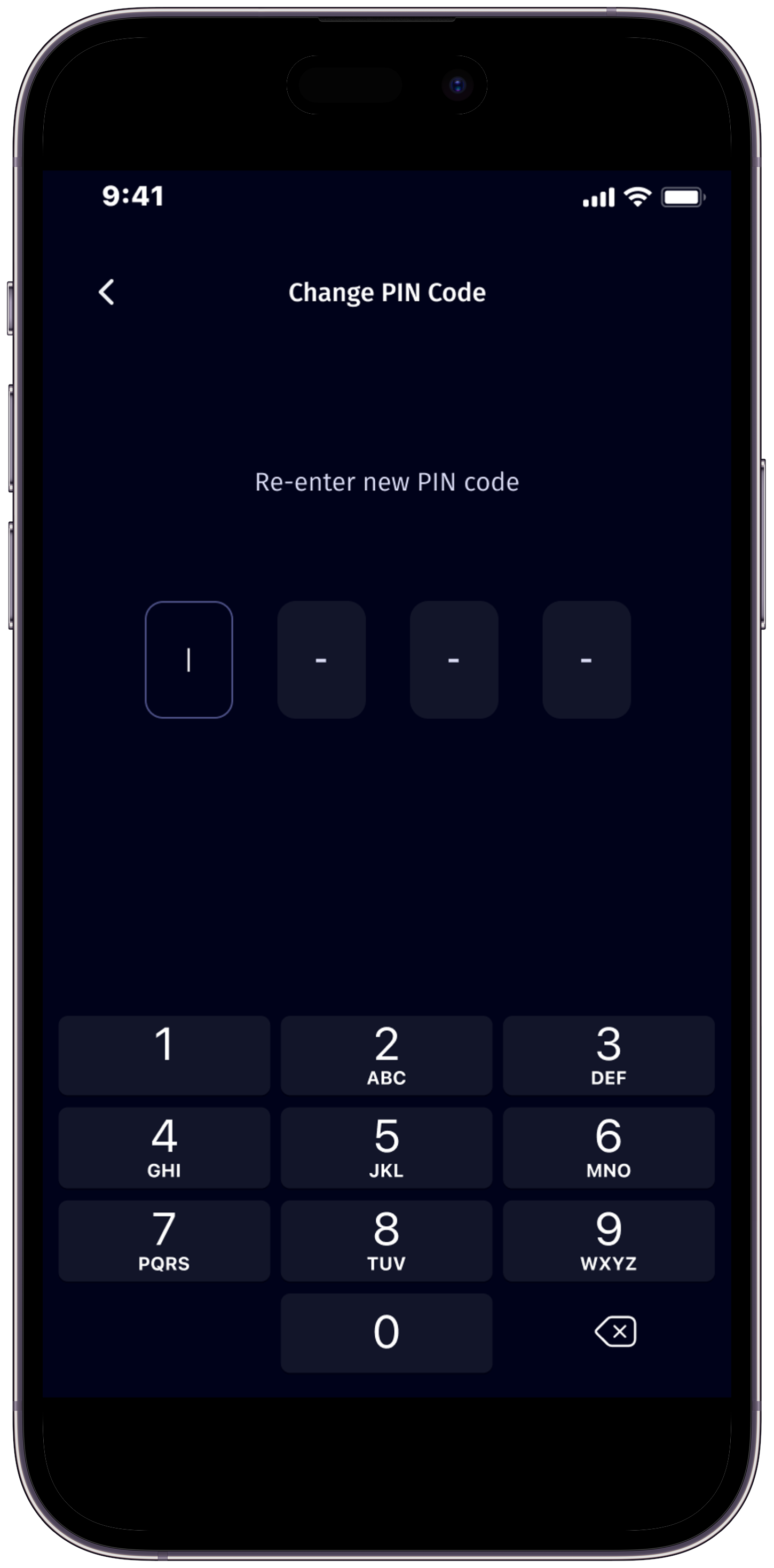
Yes, you can! Multipay allows you to change your PIN code at any time. Head to the settings section within the app to modify your PIN, enhancing the security of your account.
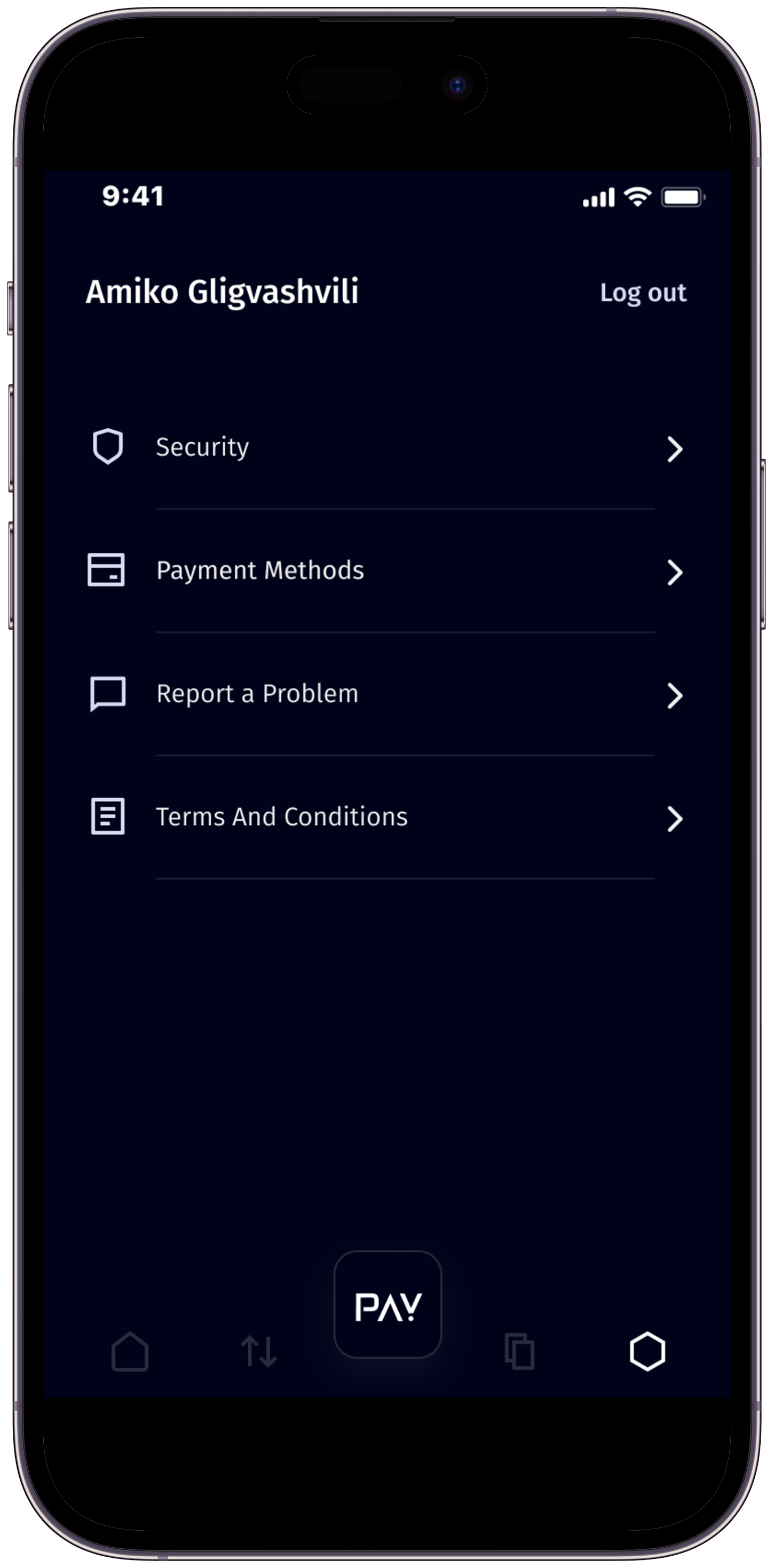
Stay informed by accessing our Terms and Conditions directly within the app’s settings. If there are updates or new documentation, you will receive timely notifications upon opening the app.
Multipay is free to download and use. However, certain transactions or services may have associated fees, which will be clearly displayed before you confirm the transaction.
If you encounter any issues or have questions, you can email us at support@caspion.tech . For your complaints,please contact us at complaint@caspion.tech. OR in application Simply go to Settings, then click on Report a Problem. Your concerns will be promptly addressed by our dedicated support team, ensuring a seamless experience for all our users.